…that in R59, the PO Main screen has been replaced by a new and improved screen called “The Purchasing Dashboard”?
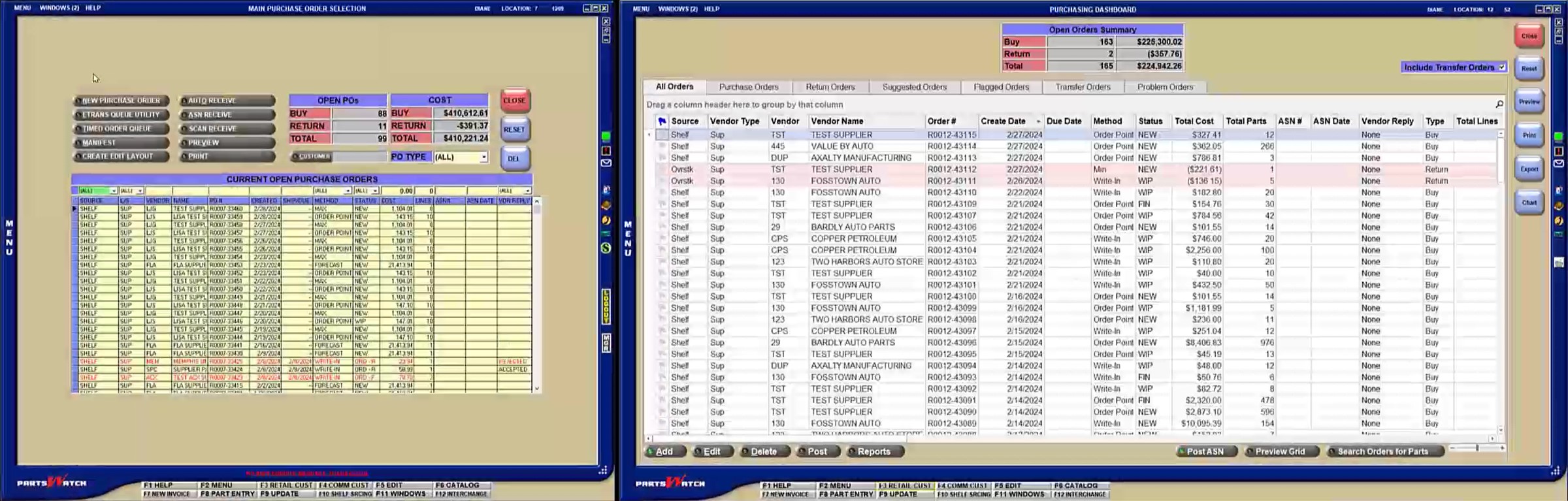
If you’ve already upgraded to R59, we’ve created a video to help you navigate the new screen and understand where buttons and functions may have been moved. Watch the short video: Purchasing Dashboard vs. Main Purchase Order Selection Screen found here.
If you are still using a version of R58, feel free to watch this video as well to see what will be available to you in the coming months.
The new Purchasing Dashboard screen streamlines workflow and provides new ways to view purchase order data to allow you to better manage your business.
Furthermore, if you would like to learn about the entire suite of features available in the Purchasing Dashboard screen and The PartsWatch Grid, click the links for training packets that contain helpful videos!