… that you can view the part details of an open sales order on the Sales Order Status screen, without having to open the Invoice Point of Sale screen?
Menu Path: Invoicing, Sales Order Status, Sales Order Status screen, ‘Open Sales Orders’ tab
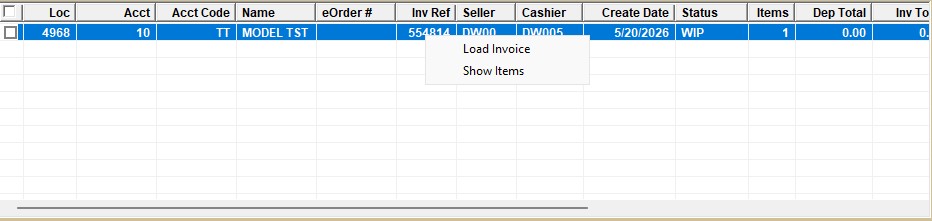
On the ‘Open Sales Order’ tab, right-click a row in the grid and select ‘Show Items’.
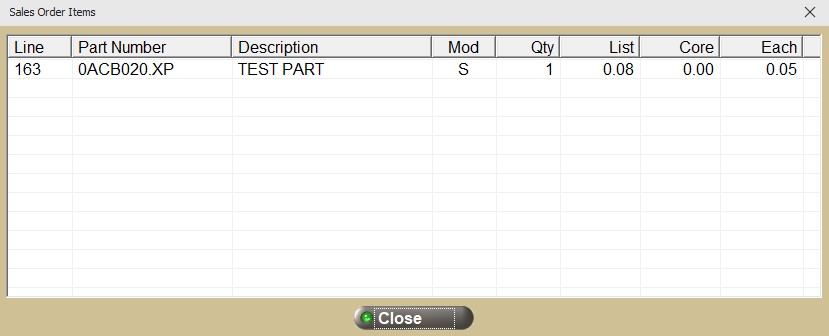
The ‘Sales Order Items’ pop-up opens, containing the ‘Line’, ‘ Part Number’, ‘Description’, ‘Mod’, ‘Qty’, ‘List’ (price), ‘Core’ (price), and ‘Each’ (price) for each part on the highlighted invoice.